
QuietPulse™ Expansion Memory Card
301790
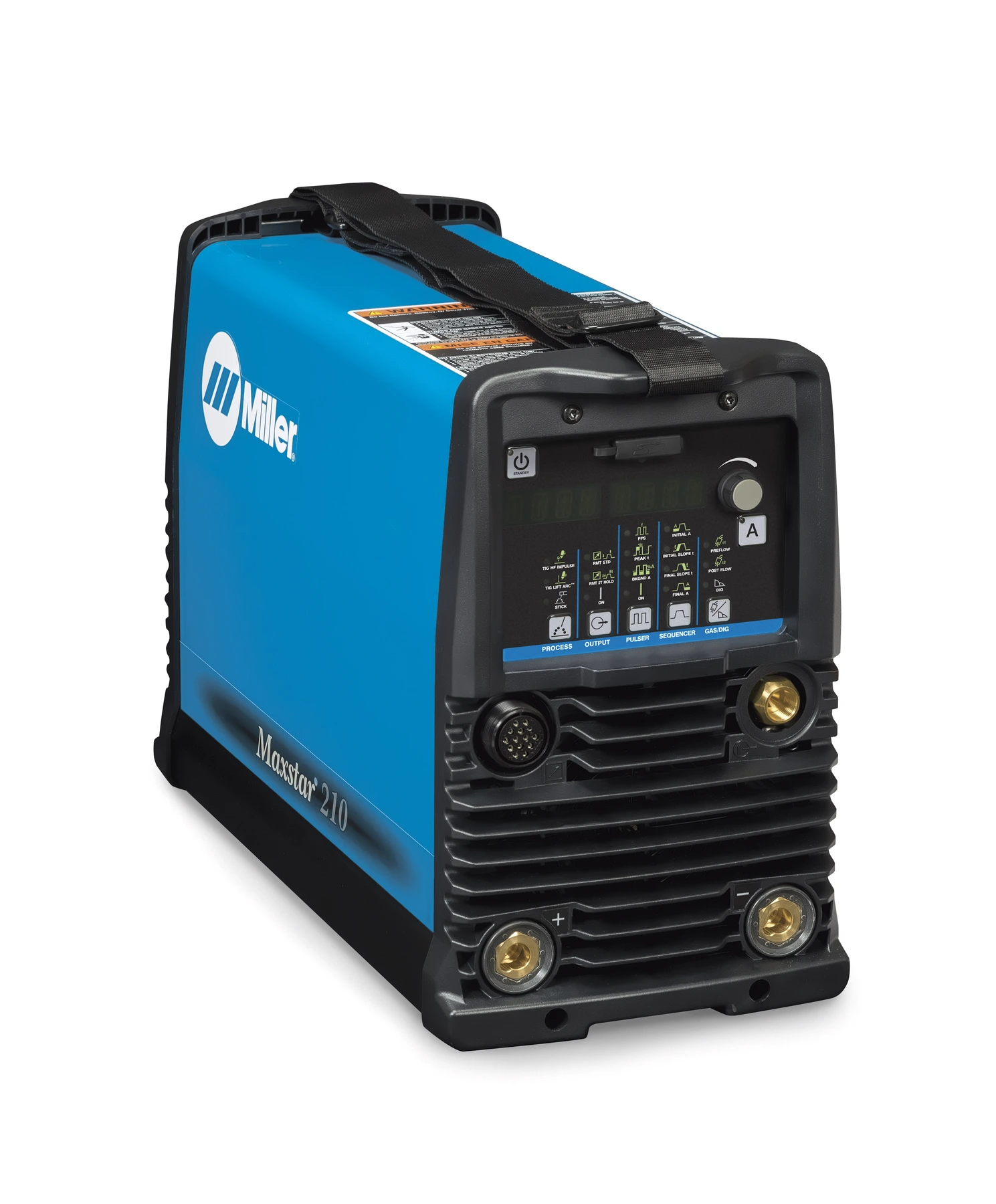
QuietPulse™ enables quieter DC pulse TIG welding. Compatible with Maxstar 210-800 pre-ND040985L.

907684001
Selection Option
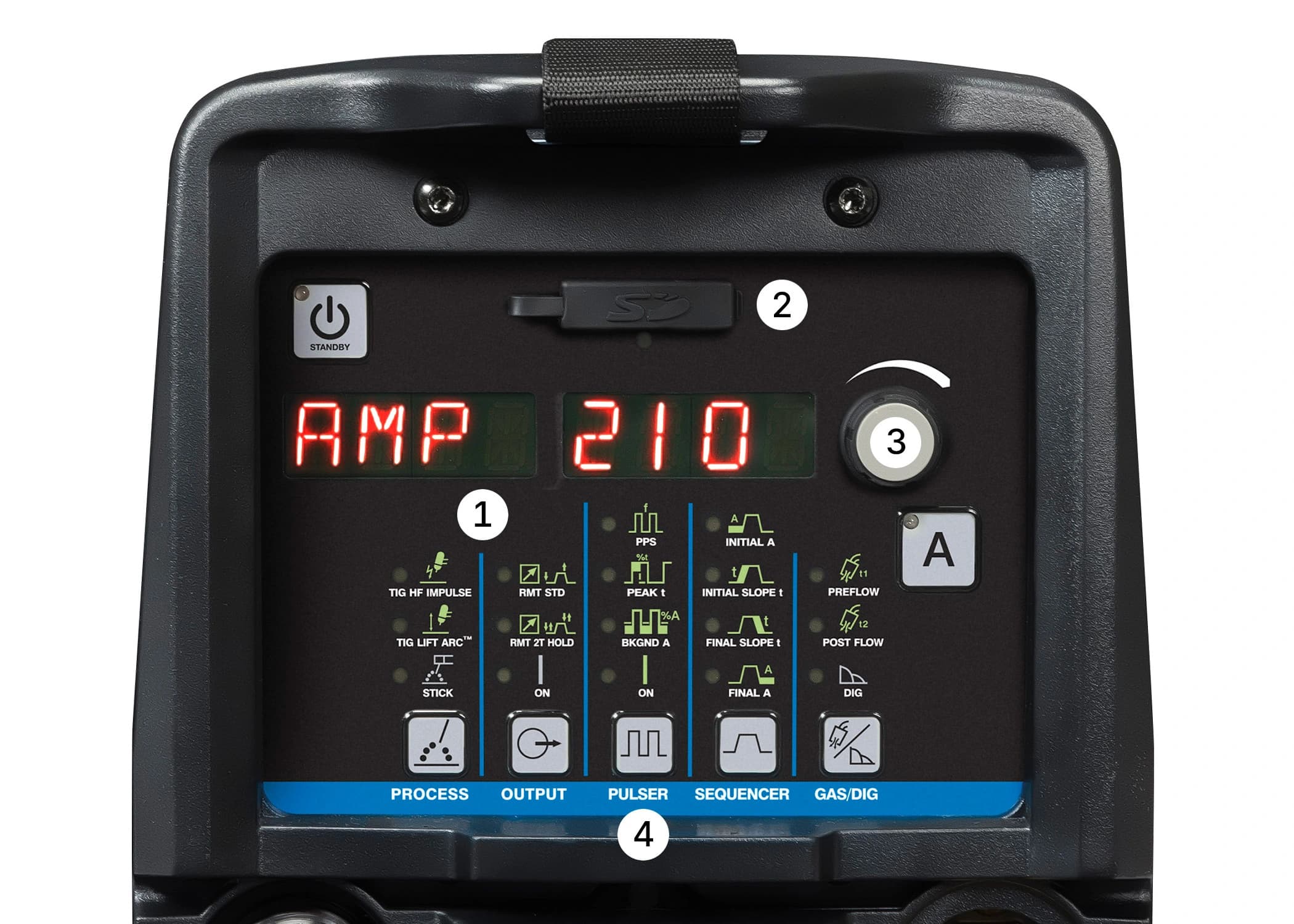
Explore the Interface
Setup & Software

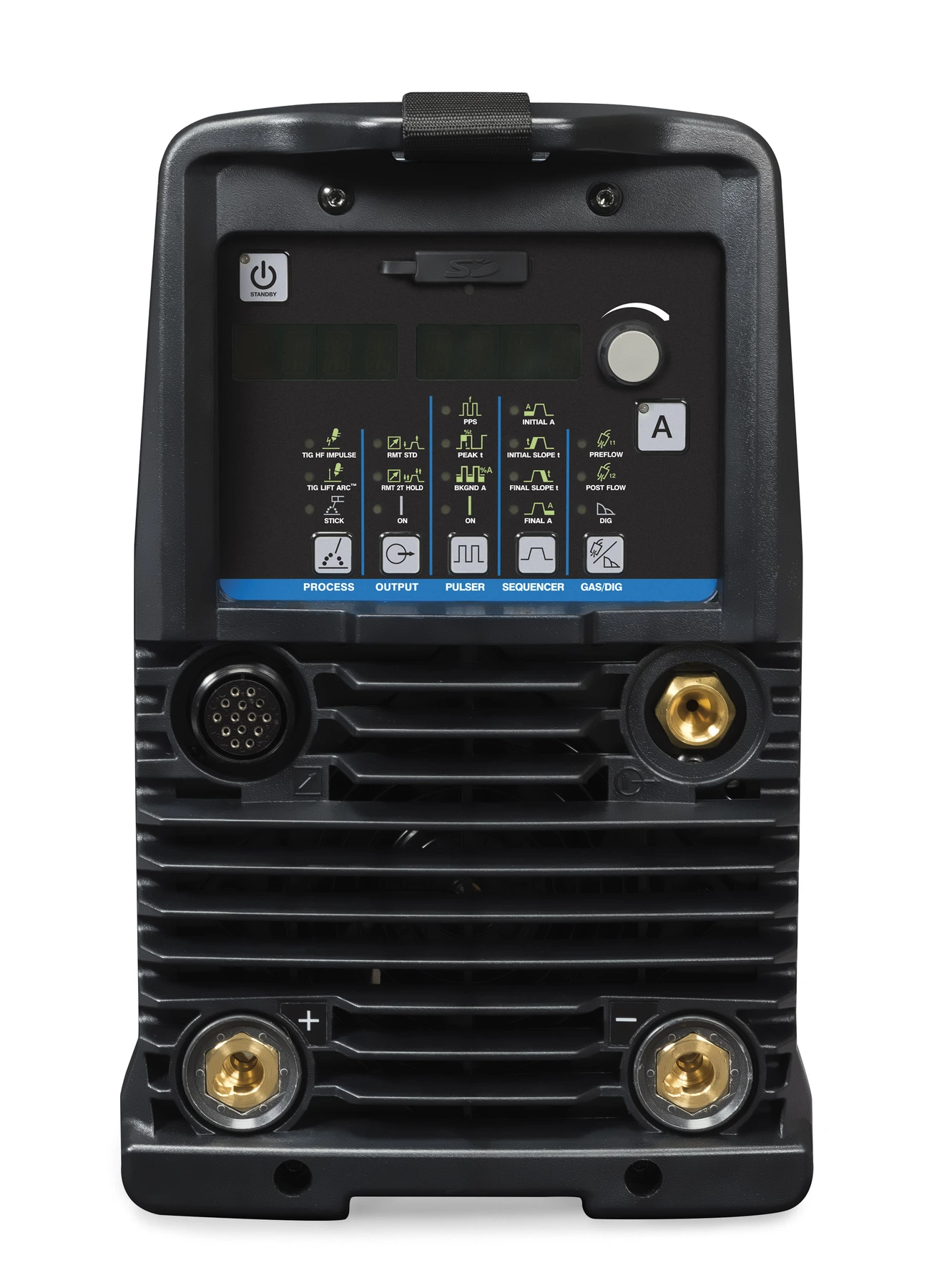
A perfect combination of sophisticated inverter technology and advanced features, the Maxstar 210 is an extremely versatile DC TIG/Stick power supply.

Compact, powerful welder for up to 5/8 in thickness. High speed pulse saves energy and boosts weld quality.

Maximum portability and performance in the industry's most compact TIG/Stick packages. Dependable.

47 lb portable DC TIG/Stick, welds 3/8 in, energy-efficient inverter, Auto-Line™ technology.
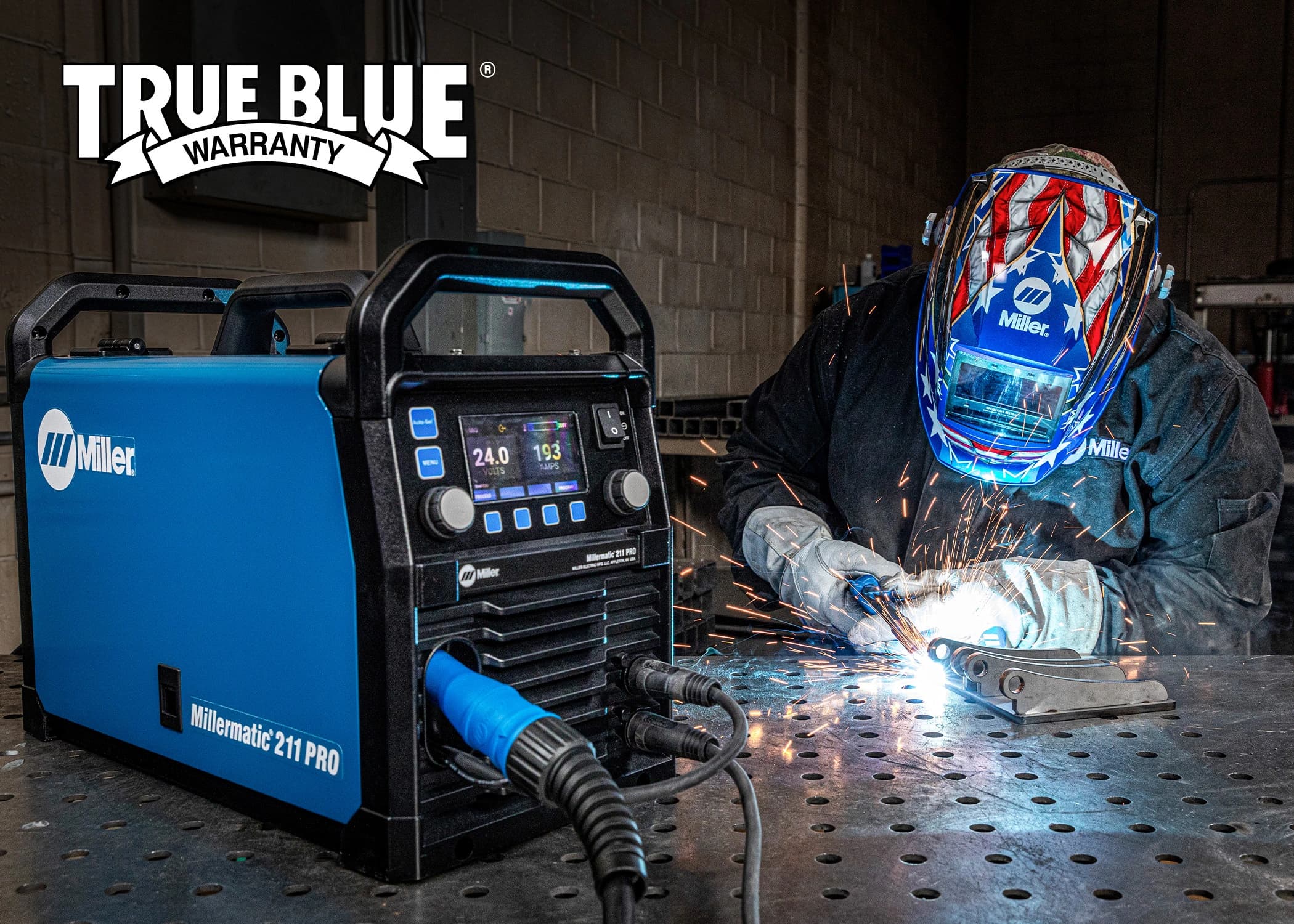
Miller True Blue® Warranty
With the best coverage in the industry, Miller's True Blue® Warranty delivers unparalleled peace of mind.
From safety precautions, operations/setup information, and maintenance, to troubleshooting and parts lists, Miller's manuals provide detailed answers to your product questions.